The SimplyCodes app brings our verified-codes engine to your phone with the same tested, scored codes as the browser extension, plus tools built for mobile: submit a code from a screenshot, get push alerts when a code drops, and verify codes on the go. It's free on iOS and Android.
This guide covers how to get set up and everything the app can do.
Getting started
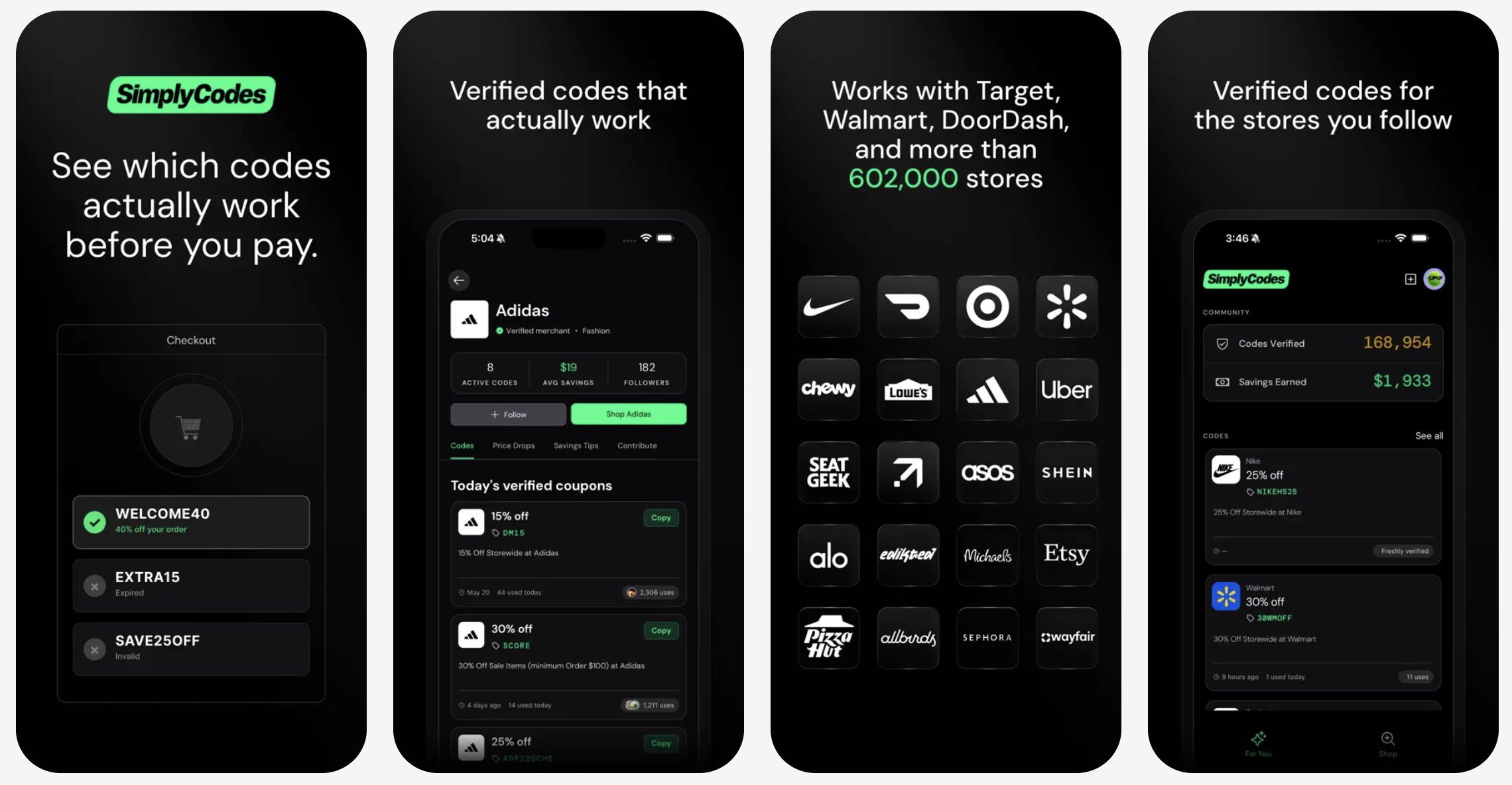
Step 1: Download the app
The SimplyCodes app is available on the App Store and Google Play, for both phone and tablet. It's free on both platforms.
Step 2: Sign in with your email
Signing in creates your profile, which is what lets you follow stores and track your savings over time. It also powers the personalized recommendations you'll see throughout the app.
Step 3: Start shopping
That's the whole setup. Once you're signed in, you're ready to browse codes, follow stores, and save. The sections below walk through each part of the app.
The "For You" page
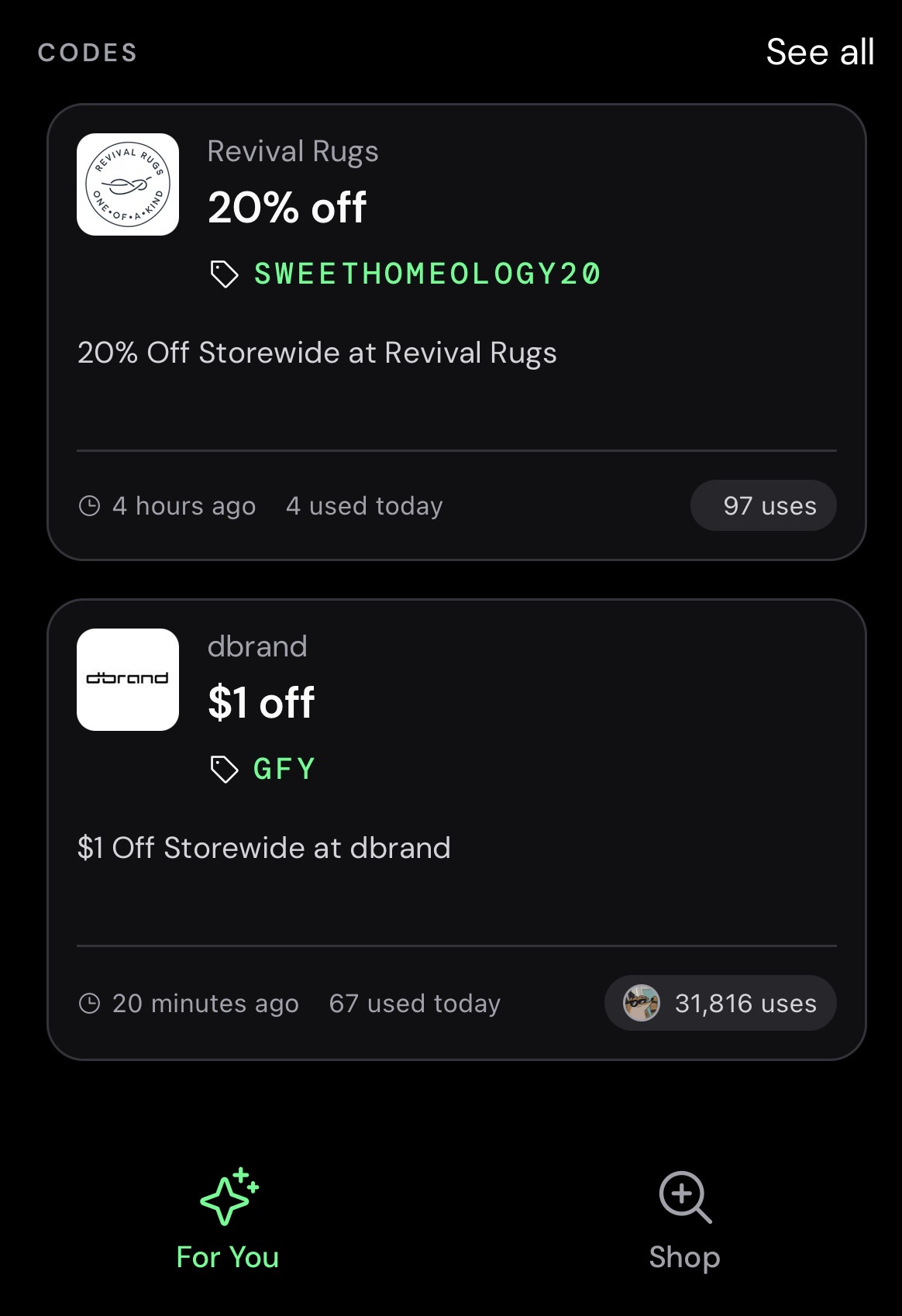
When you open the app, you land on the For You page — your personalized home screen. It has two main sections.
- Codes. A feed of codes tailored to you, based on your purchase, search, and follow history in the app. It also factors in codes that are likely to work and still carry a strong discount, based on how other shoppers are using them.
- Merchants. A curated list of stores with active codes — again personalized to you, and weighted toward what's trending right now.
Adding a code or tip (the plus sign). In the top right, you'll see a plus sign. Tap it to add a code or a savings tip for any store — a quick way to help other community members from anywhere in the app.
The Shop tab
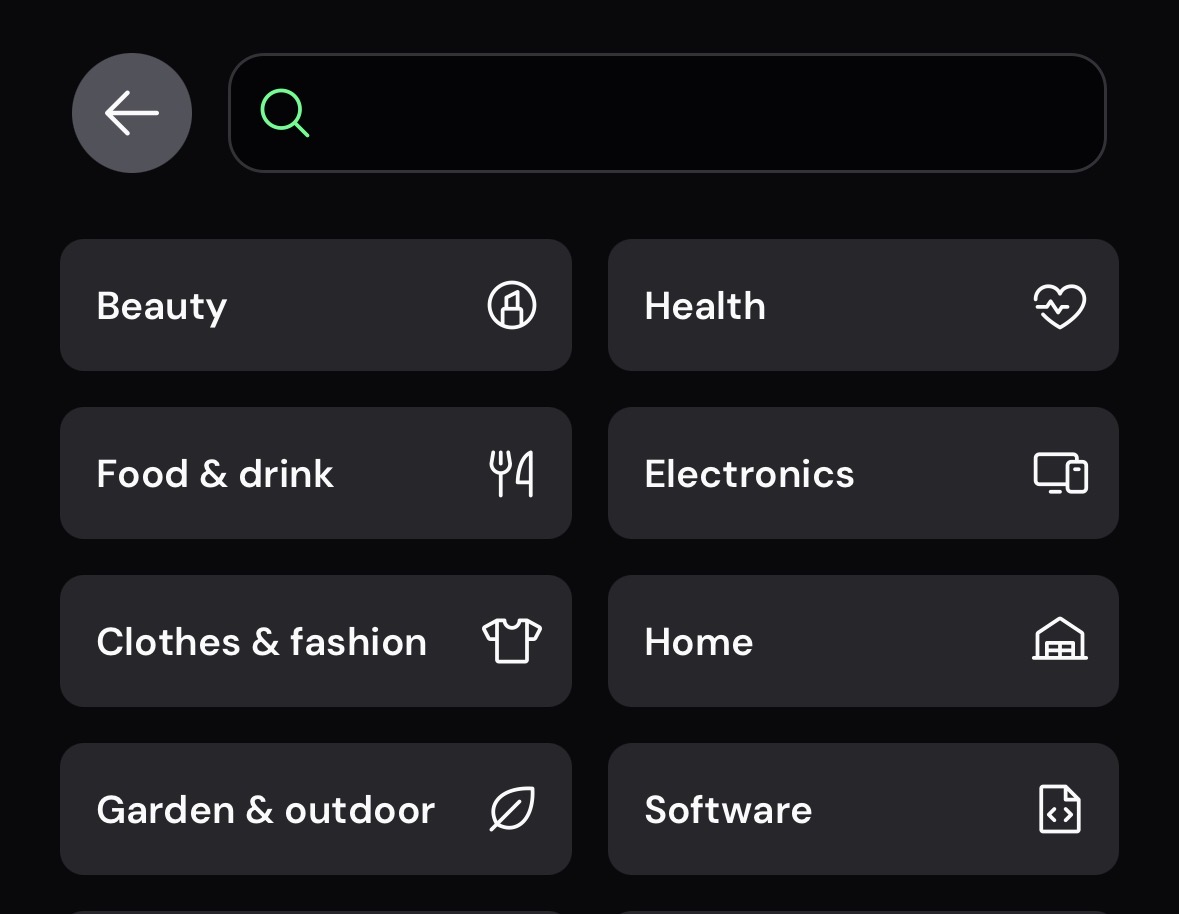
Tap the Shop tab to find a specific store. From here you can:
- Search any store to pull up the codes it currently offers.
- See the stores you follow for fast access to your regulars.
- Revisit your recent searches.
Reading a store page
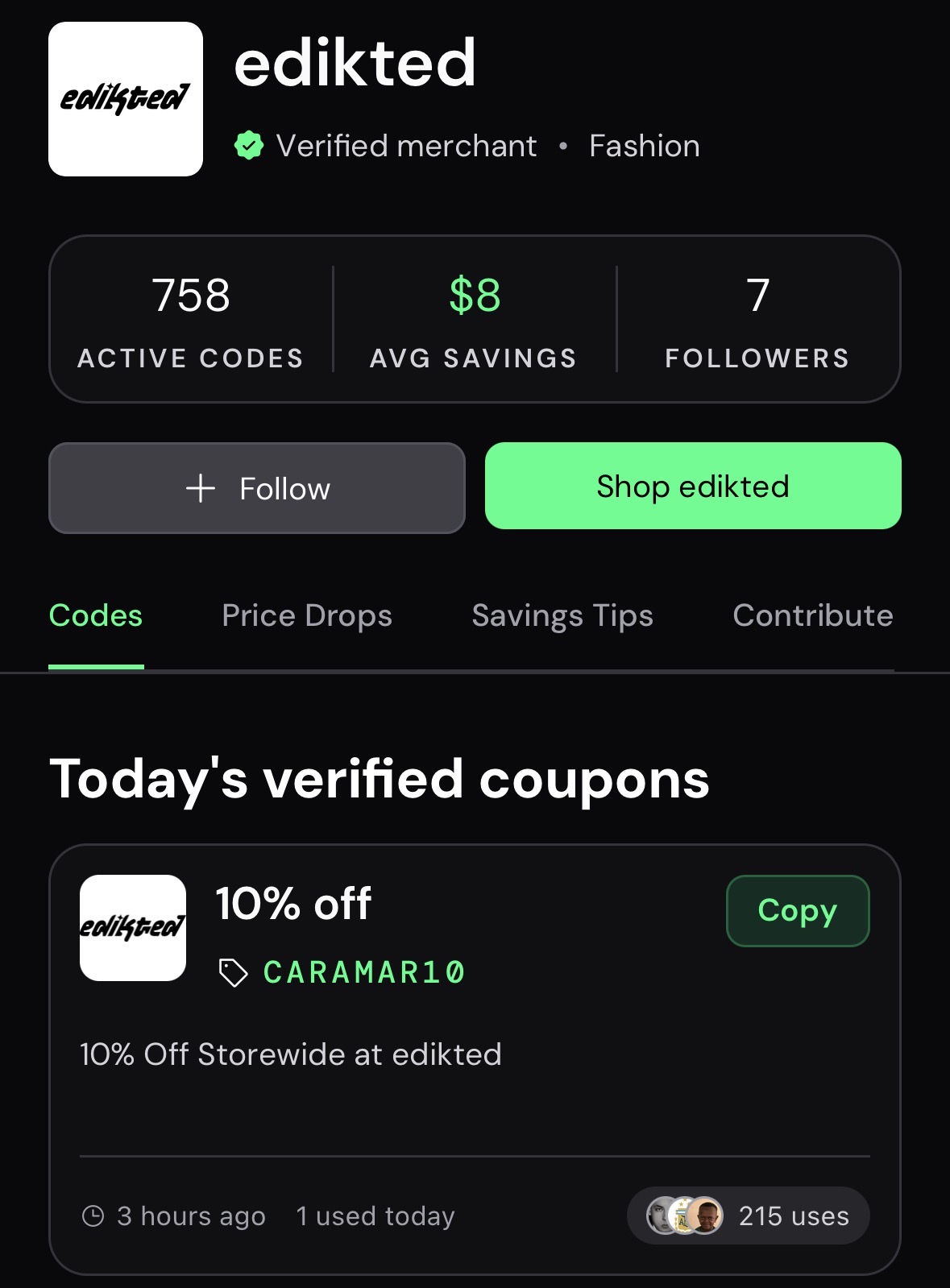
When you open a store, the top of the page shows the data you need at a glance.
- Active codes. Codes we've verified to work within the last week.
- Avg savings. How much a shopper saves on average using codes at that store.
- Followers. How many shoppers follow the store.
- Follow. Tap to add the store to your favorites. Following does two things for you:
- Code drop alerts. Get push notifications when new verified codes appear, or when a high-value code drops unexpectedly.
- Favorites dashboard. Your saved stores show current code counts, confidence changes, and new code arrivals at a glance.
- Shop [store]. Tap the green button to head to the store's site so you can start shopping with the code you copied.
The store tabs
Inside each store, you'll find four tabs:
- Codes. The codes that store currently offers.
- Price drops. Recent price drops at that store.
- Savings tips. Tips from community members on how to save there.
- Contribute. Add a code or a savings tip for that store.
Contributing a code
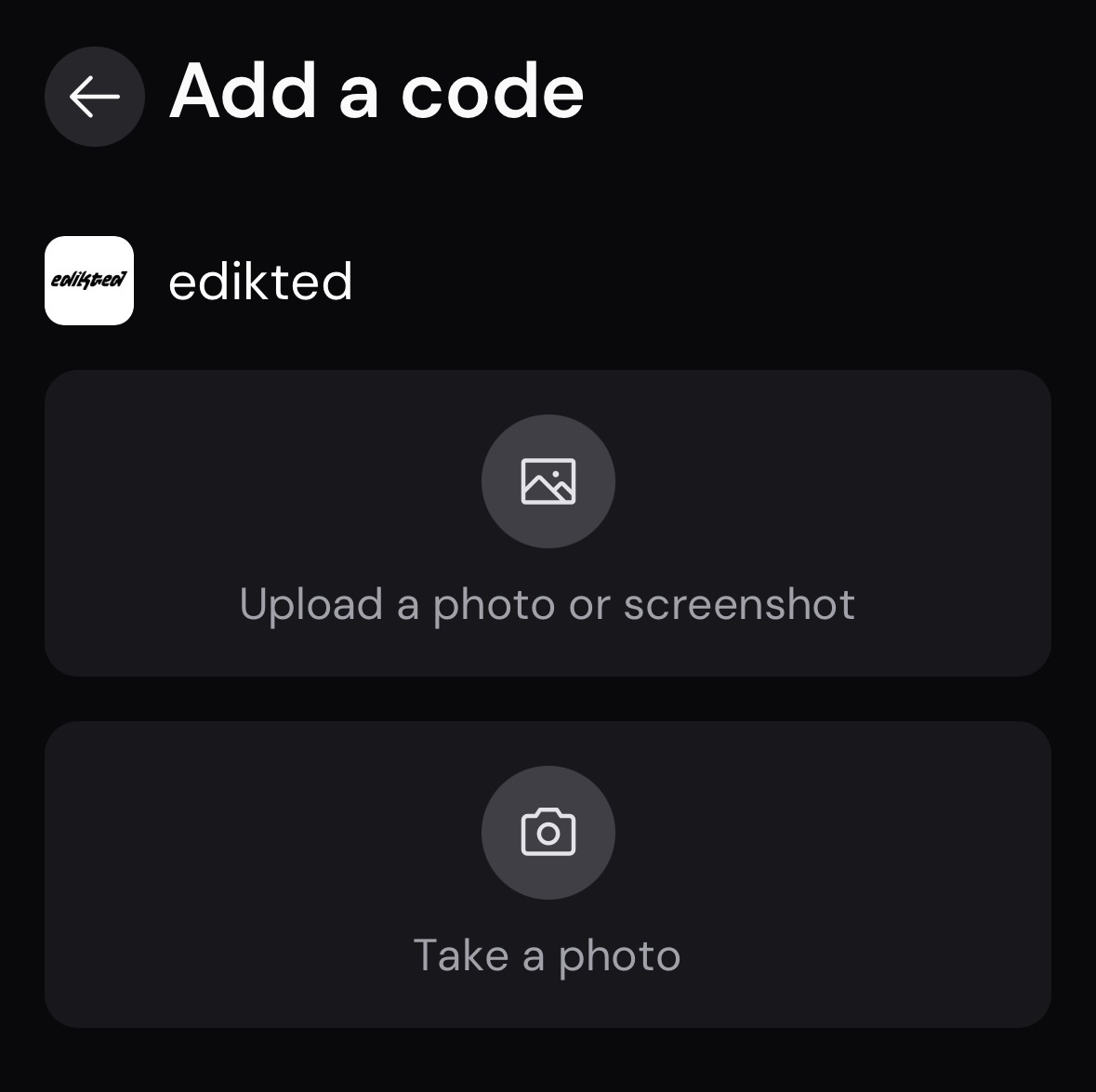
Found a working code somewhere — in your email, a newsletter, anywhere? You can add it to help other shoppers, and the app reads it for you from a photo.
- Screenshot the code you found.
- Look up the store, either from the Shop tab or the plus sign in the top right.
- Choose to add a code, then upload your screenshot — or take a photo of the code right then and there.
- The app reads the code automatically and adds it to that store for other shoppers.
Verify and earn. You can also join our verification network straight from your phone. Submit code verifications, earn trust scores, and directly improve the accuracy of the system for everyone.
Your data stays yours
The app holds the same commitment as our extension: no browsing tracked, no personal profiling, no data sold. We make money from merchant commissions, not from you.
The short version
The SimplyCodes app is free on iOS and Android. Sign in, and you get a personalized feed of verified codes, the stores you follow with drop alerts, community price drops and savings tips, and the ability to add a code just by snapping a photo. The same tested, scored codes as the extension — now in your pocket.

Sean Fisher
AI Content Strategist
Sean Fisher is an AI Content Strategist at Product.ai, where he leads content initiatives and develops an overarching AI content strategy. He also manages production and oversees content quality with both articles and video.
Prior to joining Product.ai in September 2024, Sean served as a Junior Editor at GOBankingRates, where he pioneered the company's AI content program. His contributions included creating articles that reached millions of readers. Before that, he was a Copy Editor/Proofreader at WebMD, where he edited digital advertisements and medical articles. His work at WebMD provided him with a foundation in a detail-oriented, regulated field.
Sean holds a Bachelor's degree in Film and Media Studies with a minor in English from the University of California, Santa Barbara, and an Associate's degree in English from Orange Coast College.
Stay in the loop
Get our latest research.
Promo code studies, seasonal shopping guides, industry savings reports. No spam — unsubscribe any time.